
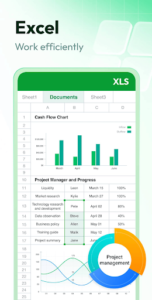
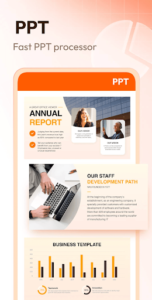
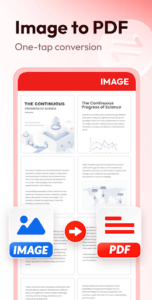
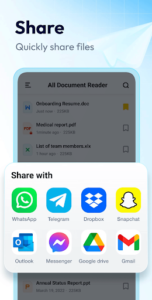
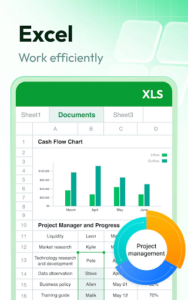
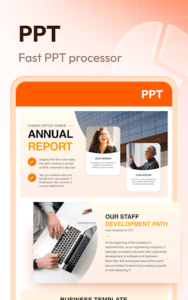
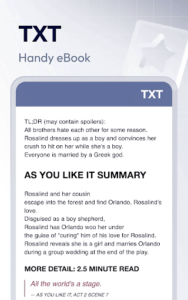
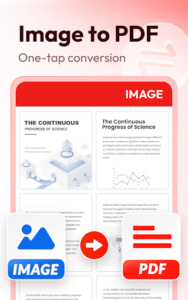
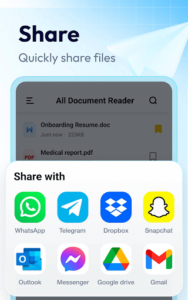
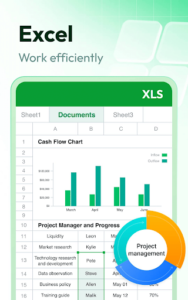
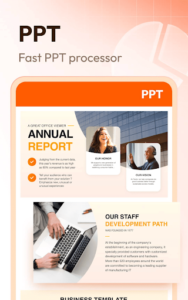
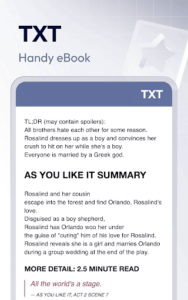
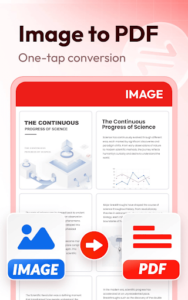
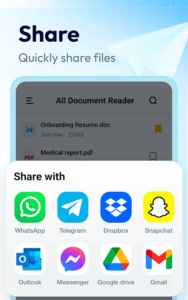
Document Reader & PDF Editor provides a comprehensive solution for managing and interacting with various office documents directly on your device. Users can read, edit, and organize files such as PDFs, Word documents, Excel spreadsheets, and PowerPoint presentations, with support extending to TXT, PNG, JPG, and RTF formats. A key capability is its robust PDF toolkit, allowing for direct text editing, annotation, and digital signing of PDF files, along with conversion features for transforming images or other document types into PDFs. This app aims to streamline document handling, from reviewing lecture notes to processing work reports, all within a single interface.
Extensive Document Viewing and Management
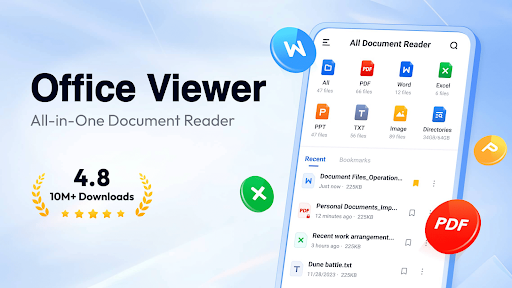
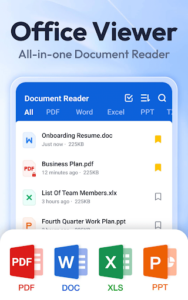
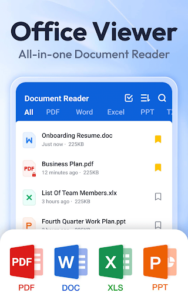
The app functions as an all-in-one file viewer, supporting a wide array of document types including PDF, DOC, DOCX, XLS, XLSX, PPT, TXT, PNG, JPG, and RTF. Upon opening, documents are automatically organized into folders, facilitating quick searching. Users can also bookmark specific documents for rapid access. For reading comfort, especially in varying light conditions, a color inversion feature is available. The app allows users to locate any file quickly using its built-in search function and sort documents by criteria such as file path, size, name, or last edit date. Furthermore, it supports offline access, enabling document reading without an internet connection.
Advanced PDF Editing and Annotation
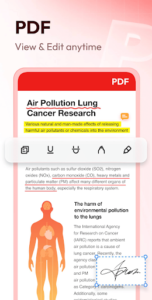
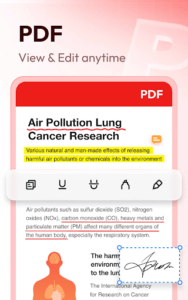
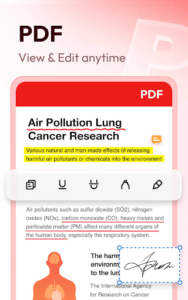
Beyond basic viewing, Document Reader offers a suite of tools for editing PDF files. Users can modify text directly within a PDF, adjusting content, size, font, and color. Text customization options include bold, italic, underline, strikethrough, and alignment. The app also allows for the addition of new text and the insertion of images into PDF documents. For review and collaboration, annotation tools are available, enabling users to highlight sections, draw freehand doodles, underline text, and apply strikethroughs. A practical feature is the ability to add a digital signature directly to any PDF document, removing the need for printing and scanning. While viewing PDFs, users can zoom in or out, jump to specific pages, switch between landscape and portrait orientations, and search for text within the file.
Integrated PDF Conversion Tools
The app includes several PDF conversion functionalities. It can transform images or scanned documents into PDF files. Word documents (DOC/DOCX) can be converted to PDF for easy sharing, while existing PDF files can be converted back into editable Word documents. Additionally, PowerPoint presentations (PPT) can be converted to PDF, preserving the original slide layouts.
Ready-Made Document Templates
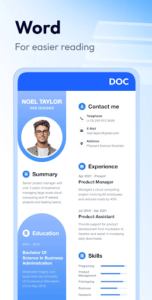
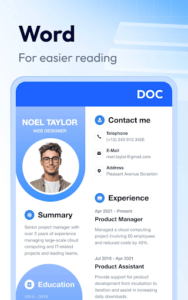
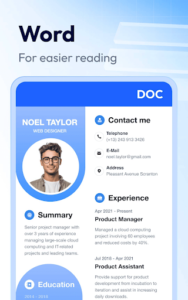
For quick document creation, the app provides a selection of ready-made templates. These include professional resume templates for creating CVs, letter and fax templates for various correspondence needs, simple templates for everyday documents, and poster templates for events or announcements. Users can freely edit the text and fonts within these templates and replace placeholder images with their own photos.












Write a review